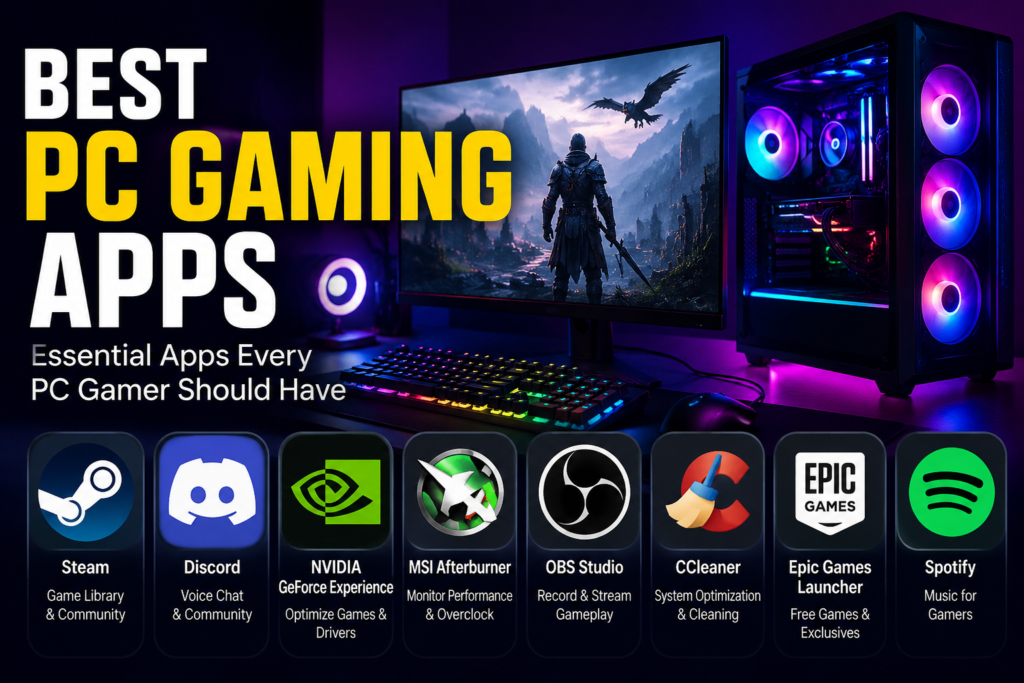

I still remember the excitement of getting my first gaming PC. I thought all I needed was a few games, but I quickly realized that finding the best PC gaming apps was just as important as choosing the games themselves.
Some apps helped me discover amazing titles, while others made it easier to chat with friends, record gameplay, or even get free games every week. Over the years, I’ve tested plenty of gaming platforms, and honestly, not every app deserves space on your computer.
If you’re building your gaming setup or simply looking for better gaming software, you’re in the right place. In this guide, I’ll share the apps I genuinely enjoy using and explain why they deserve a spot on your PC.
Why Good PC Gaming Apps Matter
Gaming today isn’t just about launching a game.
Modern gaming apps help you:
- Buy and organize games
- Play online with friends
- Save game progress in the cloud
- Join gaming communities
- Stream or record gameplay
- Discover new releases
- Get exclusive discounts
Having the right apps can make gaming smoother, more organized, and honestly much more enjoyable.
Steam – Still My Number One Choice
Whenever someone asks me where to start, I always recommend Steam.
I’ve been using it for years, and it remains my favorite gaming platform because everything feels simple. Whether I’m buying AAA games or trying an indie title during a sale, Steam rarely disappoints.
Why I Like It
- Huge game library
- Regular seasonal sales
- Steam Workshop for mods
- Cloud saves
- Easy multiplayer support
- Achievement tracking
One personal tip: I always wait for Steam’s Summer or Winter Sale. I’ve saved hundreds of dollars over the years simply by being patient.
Related keyword: PC game launcher
Epic Games Launcher
At first, I downloaded Epic Games only to play Fortnite.
Then I discovered something even better.
Every week, Epic gives away free games.
I’ve built an impressive collection without spending a cent on many titles. Some of the giveaways have included games that normally cost $40–60.
Best Features
- Weekly free games
- Unreal Engine support
- Exclusive game releases
- Fast downloads
- Clean interface
If you’re on a budget, this app is absolutely worth installing.
Xbox App for PC
Microsoft has done a great job improving its Xbox app.
The biggest reason I keep it installed is PC Game Pass.
Instead of buying every new release, I simply subscribe and play dozens of games whenever I want.
Why It’s Great
- Access to hundreds of games
- Cloud gaming support
- Easy installation
- Multiplayer features
- Xbox achievements
For anyone who likes trying different genres, this app offers fantastic value.
Related keyword: PC Game Pass
GOG Galaxy
I wasn’t sure about GOG Galaxy at first.
Now I use it almost every week.
The best feature is that it combines multiple game libraries into one place. Instead of opening several launchers, I can view many of my games together.
Another thing I appreciate is DRM-free games.
You truly own many of the games you purchase.
Highlights
- Unified game library
- DRM-free downloads
- Cloud saves
- Achievement support
- Classic game collection
EA App
If you enjoy FIFA (EA Sports FC), Battlefield, Need for Speed, or The Sims, you’ll probably end up using EA’s launcher.
The app has improved significantly compared to the older Origin software.
Best Features
- Easy game management
- EA Play subscription
- Automatic updates
- Cloud saves
While it’s not my most-used launcher, it’s reliable when playing EA games.
Ubisoft Connect
I’m a huge Assassin’s Creed fan, so Ubisoft Connect stays installed on my PC.
One feature I actually like is earning in-game rewards simply by playing.
Benefits
- Cloud saves
- Cross-platform progression
- Game rewards
- Achievement tracking
Discord
Technically, Discord isn’t a game launcher.
But I honestly can’t imagine gaming without it.
Almost every multiplayer session with my friends starts with a Discord voice chat.
Whether we’re playing Valorant, Minecraft, or Rocket League, Discord keeps everyone connected.
Why Every Gamer Uses Discord
- Voice chat
- Screen sharing
- Community servers
- File sharing
- Video calls
This has become one of the most essential gaming apps on my computer.
Related keyword: gaming communication app
NVIDIA App (or GeForce Experience)
If you own an NVIDIA graphics card, this app makes life easier.
I mainly use it for updating graphics drivers and recording gameplay.
ShadowPlay records gameplay with almost no performance loss, which is incredibly useful.
Useful Features
- Driver updates
- Game optimization
- Instant Replay
- Gameplay recording
- Screenshot capture
OBS Studio
Whenever I record tutorials or stream gameplay, OBS Studio is my first choice.
The learning curve can seem a little intimidating, but once you understand the basics, it’s incredibly powerful.
Great For
- Recording gameplay
- Twitch streaming
- YouTube videos
- Custom overlays
- Multiple scenes
And the best part?
It’s completely free.
Battle.net
If you’re into Blizzard games like Diablo, Overwatch, or World of Warcraft, Battle.net is a must-have.
The launcher is lightweight and keeps everything updated automatically.
Best Features
- Stable downloads
- Friend list
- Voice chat
- Automatic updates
My Personal Tips for Choosing the Best PC Gaming Apps
After trying dozens of gaming platforms, I’ve learned a few lessons.
Don’t Install Every Launcher
I used to install every gaming app I found.
Eventually, my desktop became cluttered, and background processes slowed my PC slightly.
Now I only keep the launchers I actually use every month.
It keeps everything organized.
Turn On Cloud Saves
I once lost over 25 hours of progress after reinstalling Windows.
Since then, I always enable cloud saves whenever possible.
Trust me—it only takes one accident to appreciate this feature.
Which Gaming Apps Should Beginners Install?
If you’re just getting started, here’s what I’d recommend:
- Steam
- Epic Games Launcher
- Discord
- Xbox App
- OBS Studio
- NVIDIA App (if applicable)
These six apps cover almost everything a new PC gamer needs.
Related Keywords Naturally Included
Throughout this article, we’ve covered topics like:
- PC game launcher
- Gaming software
- PC Game Pass
- Game library manager
- Free PC games
These are useful terms to know when exploring new gaming platforms.
Final Thoughts on the Best PC Gaming Apps
Finding the best PC gaming apps isn’t about installing every launcher available. It’s about choosing the ones that match your gaming style.
For me, Steam remains the heart of my gaming library, Epic Games is perfect for free games, Discord keeps me connected with friends, and Xbox Game Pass has helped me try games I probably never would have purchased.
If you’re new to PC gaming, start with a few trusted apps and expand your collection as your interests grow. Keeping your setup simple will make gaming more enjoyable and your PC easier to manage.
What are your favorite PC gaming apps? Have you discovered a hidden gem that deserves more attention? Share your recommendations in the comments—I’m always looking for something new to try!